
Works with the phones
you already love
Zonitel works with SIP desk phones from Yealink, Poly, Cisco (Multiplatform), Grandstream and more. Zonitel doesn't sell hardware: bring a compatible phone, or skip it and use the free mobile app or the browser phone.
No hardware? Use the free Zonitel app on iPhone or Android, or the browser phone on your computer.
Browse Compatible Devices
Desk, cordless and SIP conference phones register to a Zonitel extension; headsets and USB speakerphones work as audio devices with the browser phone or a desk phone. Confirm your exact model and firmware with us before buying — our team can provision supported phones remotely.
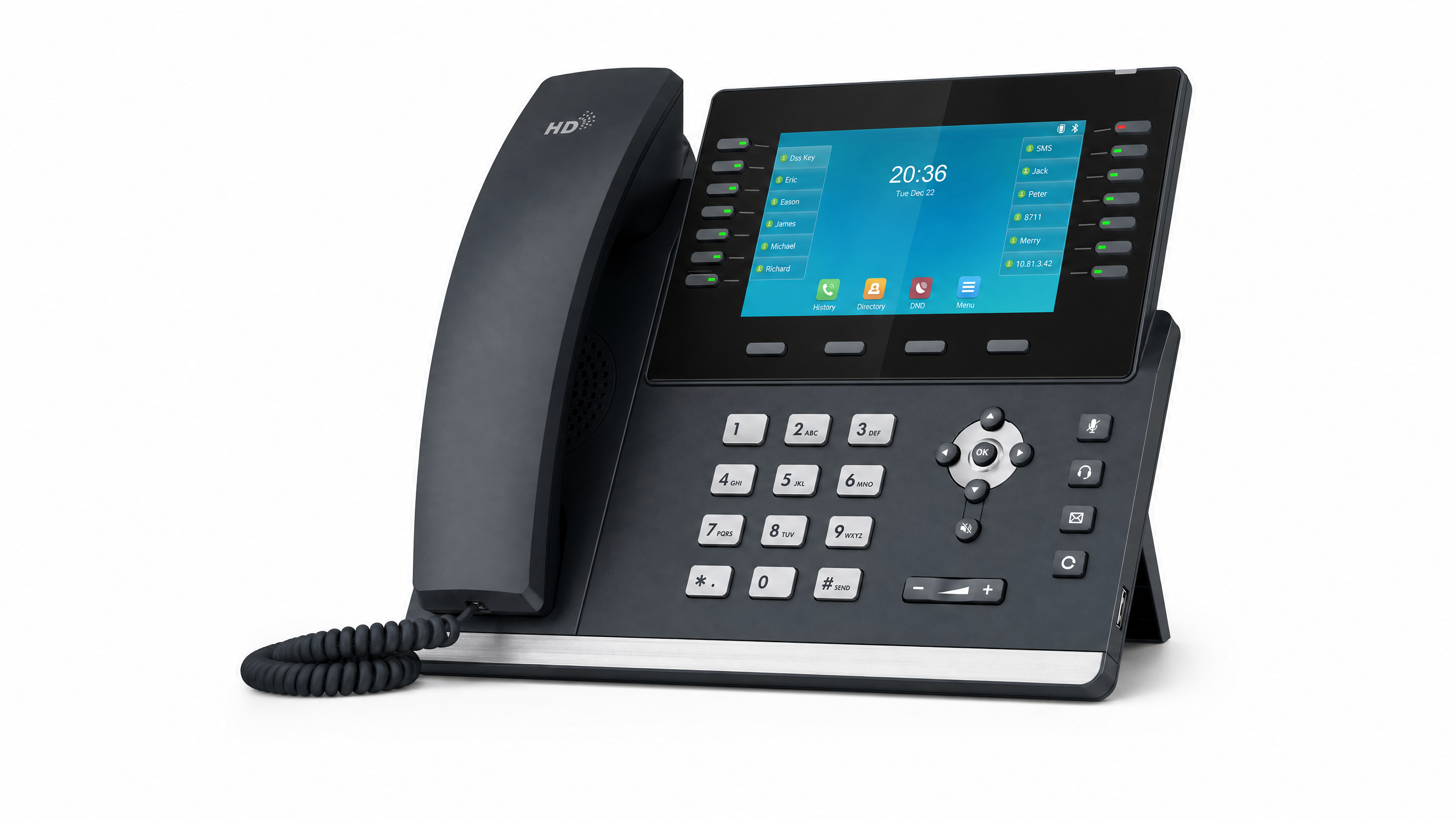 Front Desk Pick
Yealink T54W
- 16 SIP accounts
- Built-in Wi-Fi & Bluetooth
- USB port for headset
- HD voice
Best for
Front desk & reception
Street price
~$120
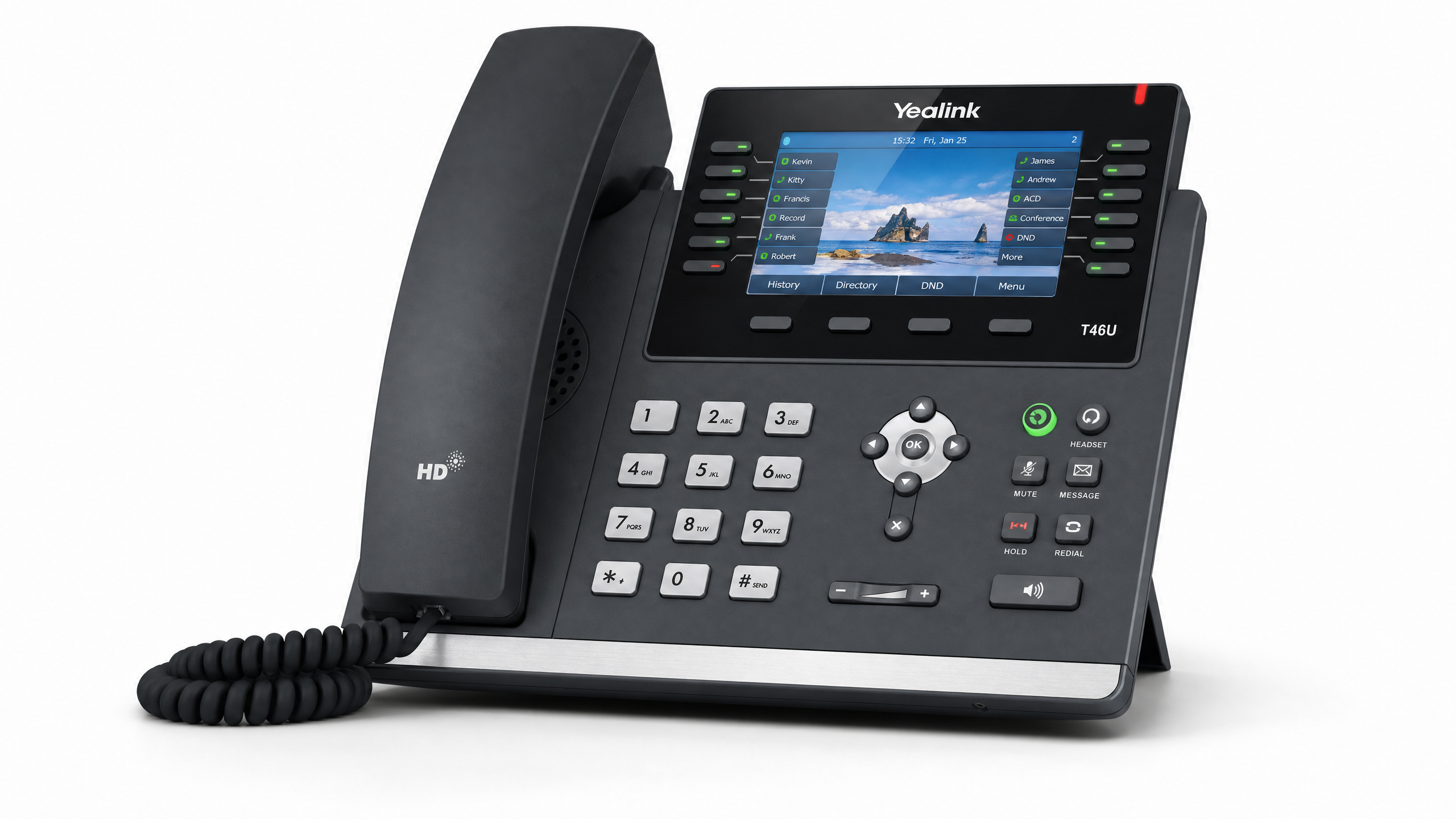 Office Pick
Yealink T46U
- 16 SIP accounts
- Dual USB ports
- Dual Gigabit ports
- HD voice
Best for
Office power users
Street price
~$100
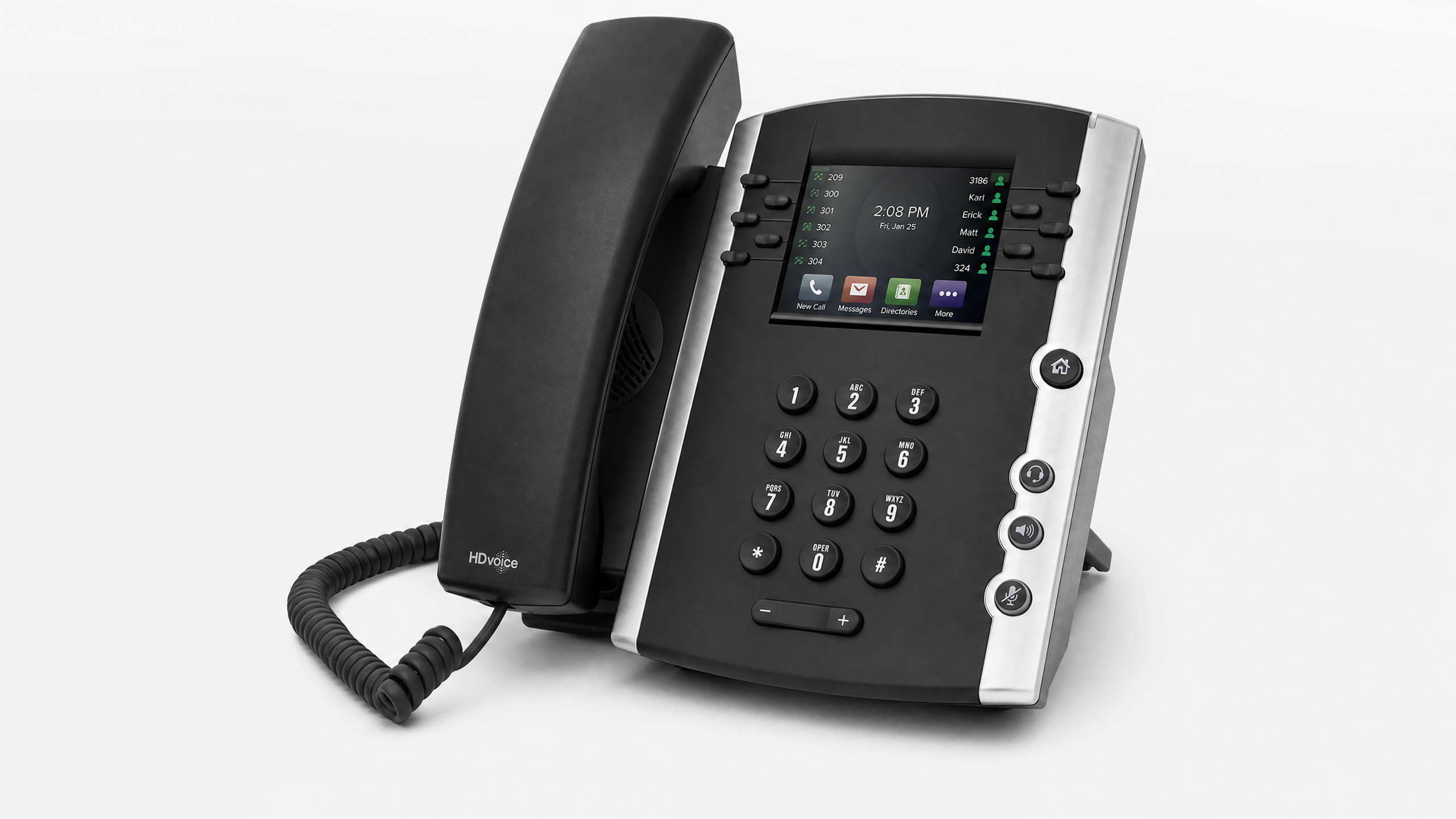
Poly VVX 350
- 6 line keys
- Acoustic Fence technology
- Gigabit Ethernet
- HD voice
Best for
Mid-size office teams
Street price
~$110
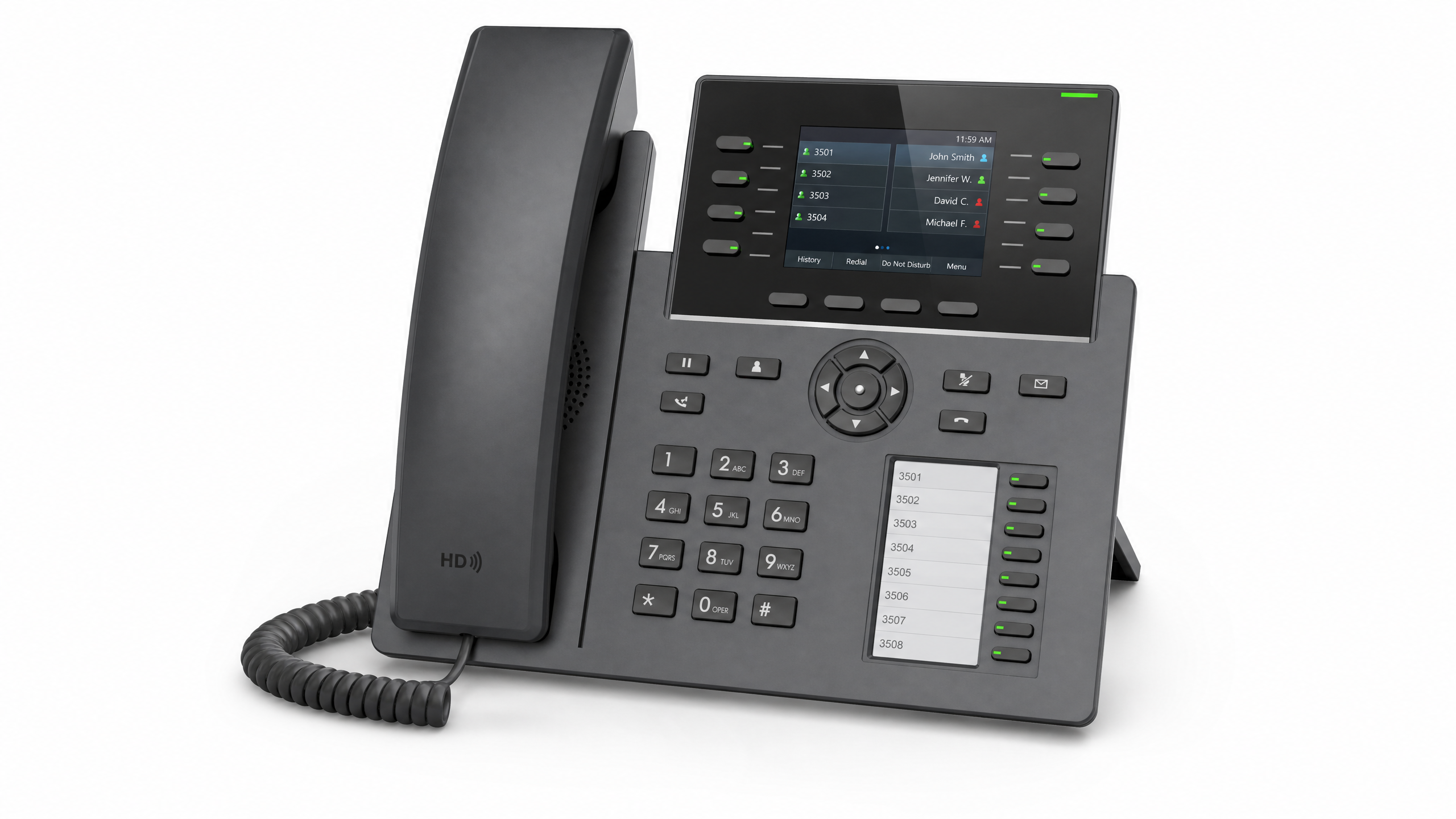 Budget Pick
Grandstream GRP2614
- 4 line keys / 12 SIP accounts
- Dual color LCDs
- Wi-Fi & Bluetooth
- Dual Gigabit ports
Best for
Reception & shared BLF keys
Street price
~$75
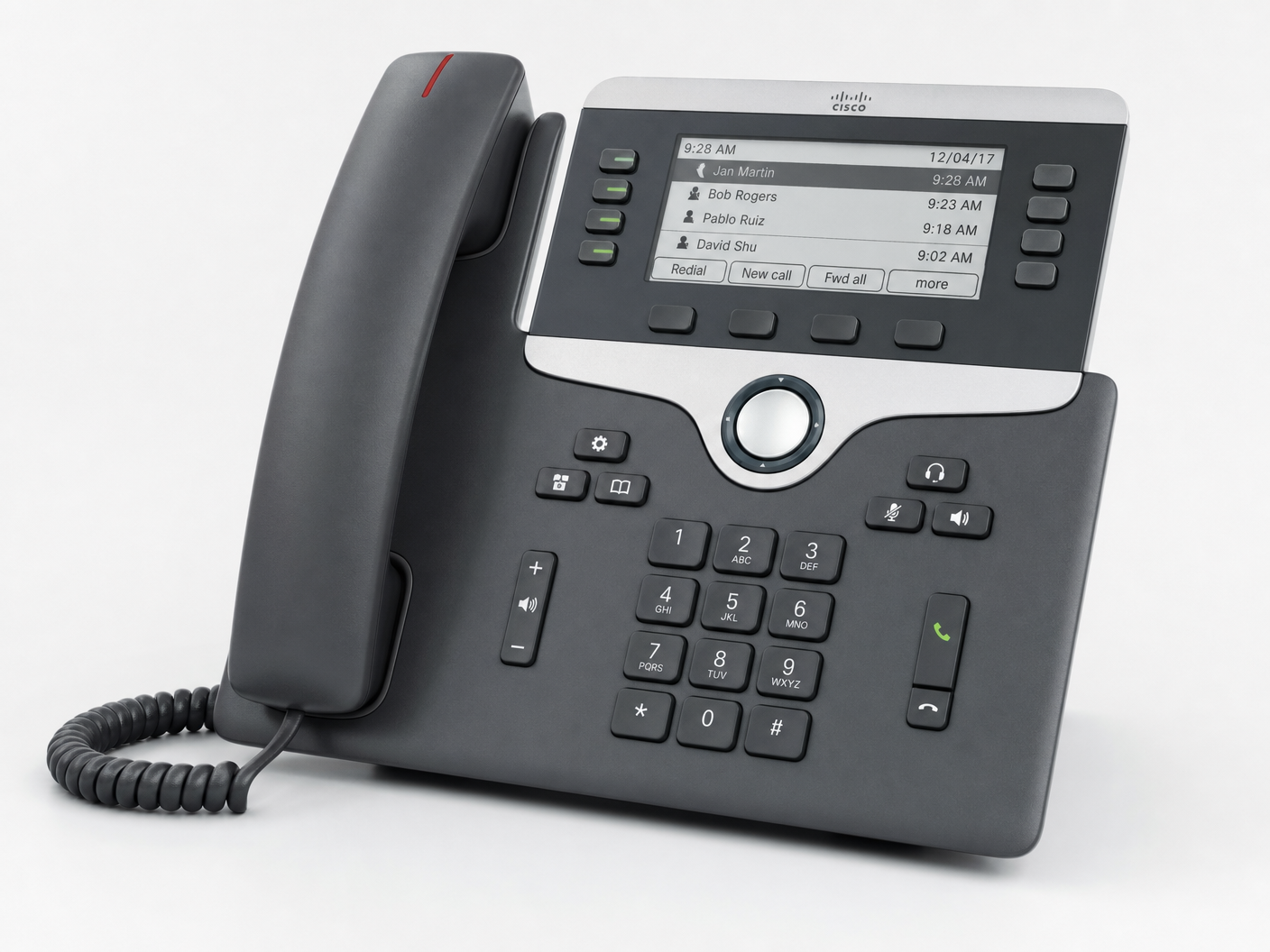
Cisco 8841
- Multiplatform (MPP) firmware
- 5 programmable lines
- Gigabit Ethernet
- High-res color display
Best for
Enterprise environments
Street price
~$130
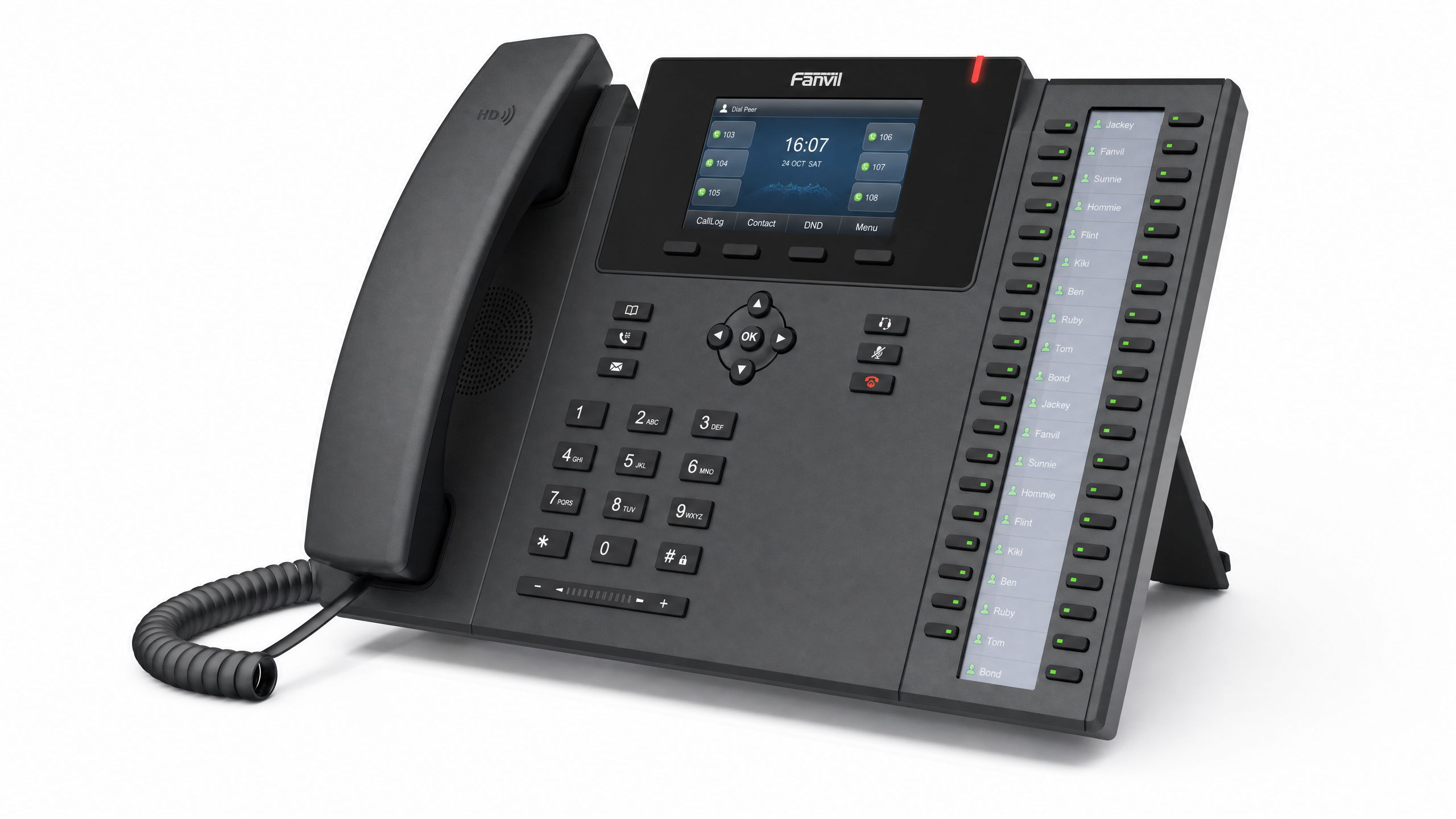 Value Pick
Fanvil X6U
- 20 SIP lines
- Triple color displays
- Built-in Bluetooth
- Gigabit Ethernet
Best for
Call centers & high-volume
Street price
~$85
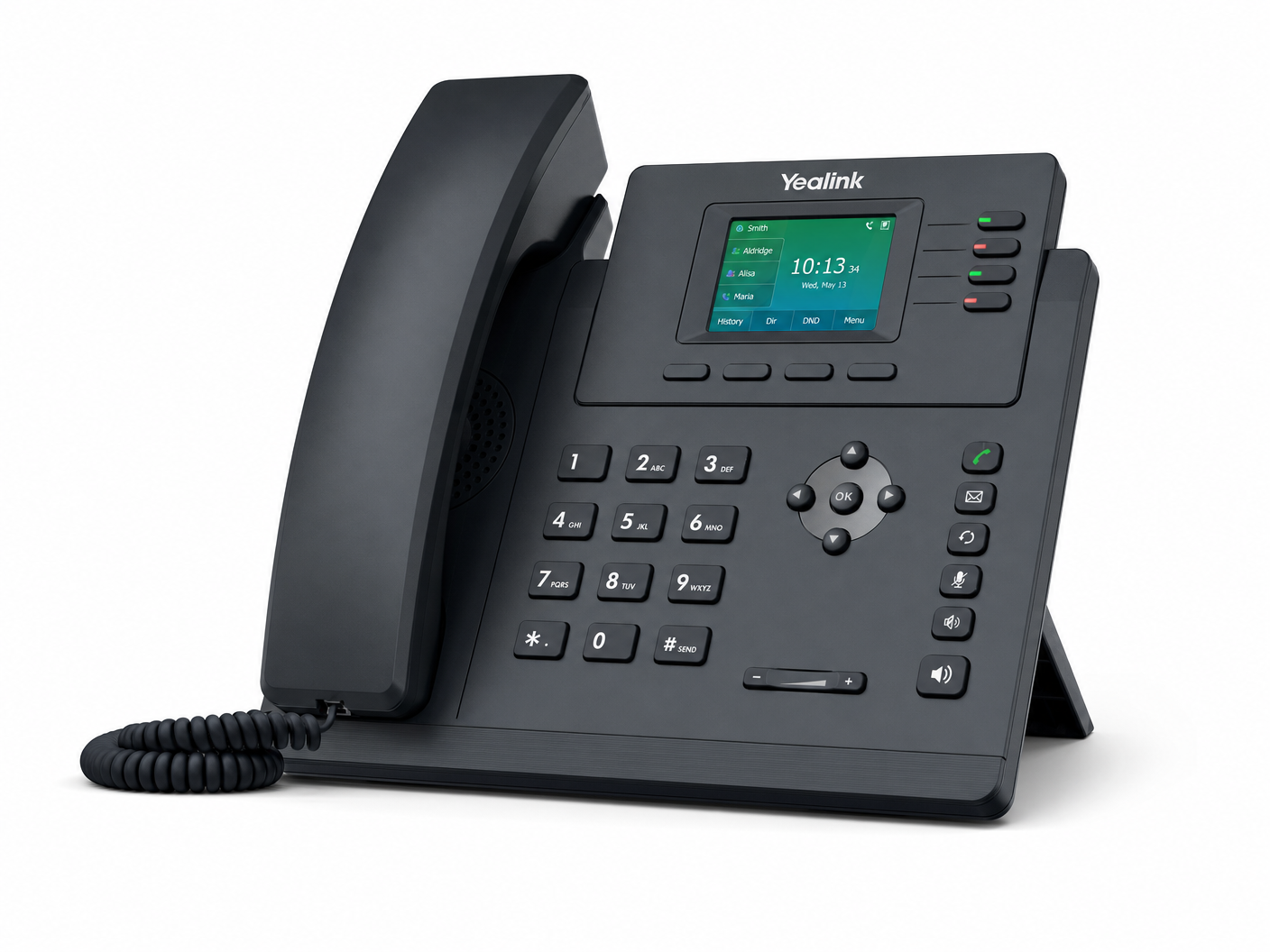 Entry Level
Yealink T33G
- 4 SIP accounts
- Dual Gigabit ports
- EHS headset support
- HD voice
Best for
Cubicles & shared desks
Street price
~$60
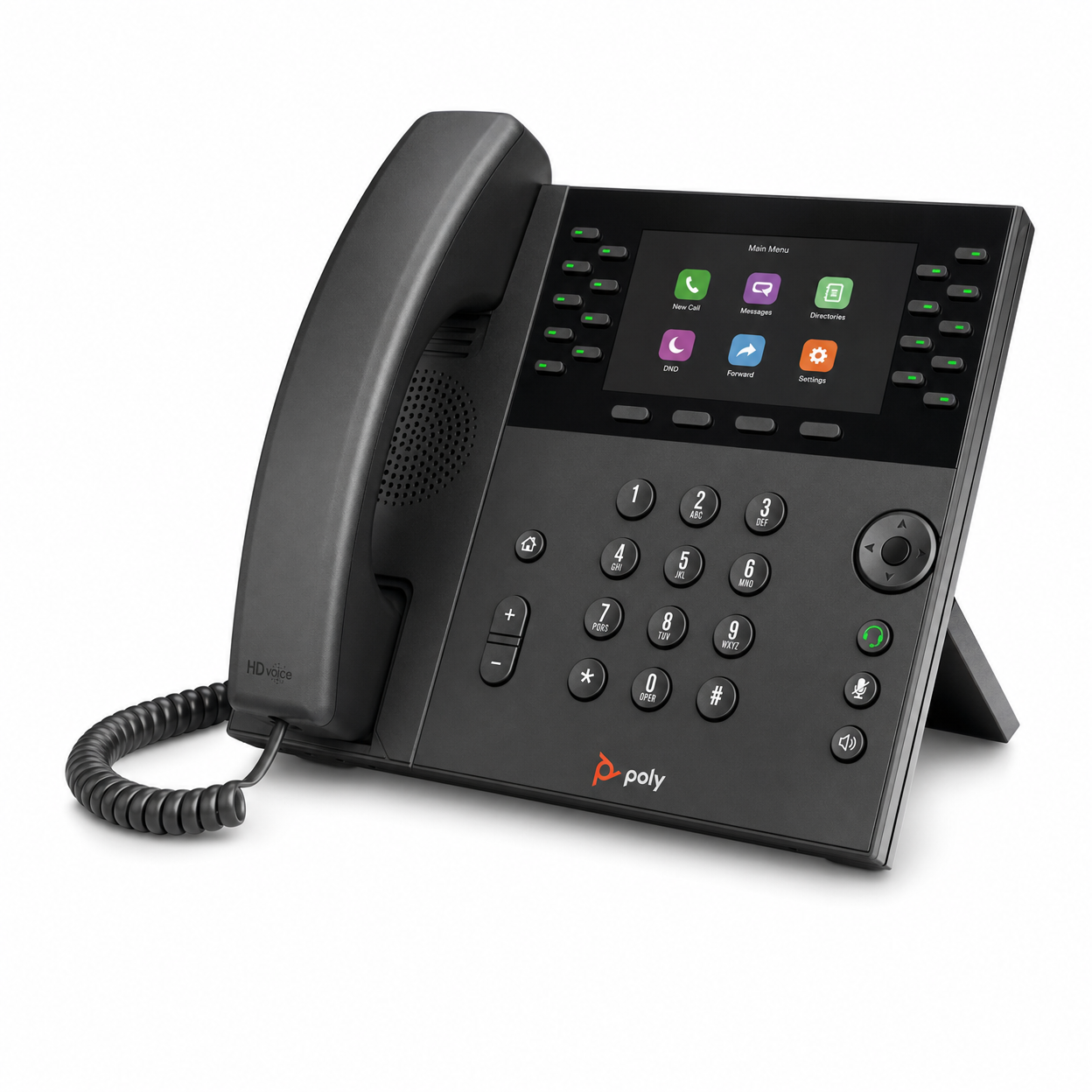
Poly VVX 600
- 16 line appearances
- Color touchscreen
- Bluetooth headset
- HD voice
Best for
Executive & manager desks
Street price
~$150
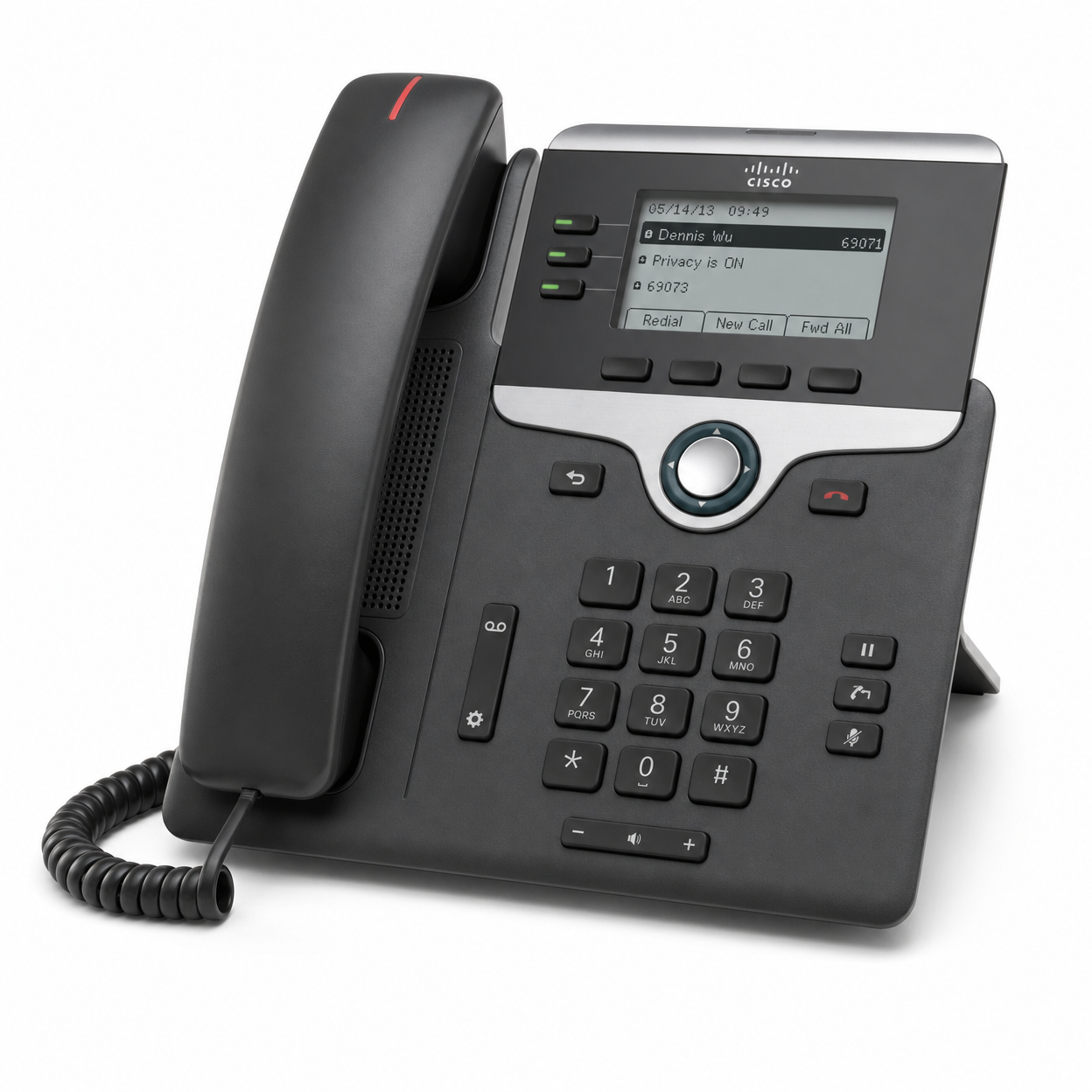
Cisco 7841
- Multiplatform (MPP) firmware
- 4 programmable lines
- Dual Gigabit ports
- Wideband audio
Best for
Enterprise deployments
Street price
~$140
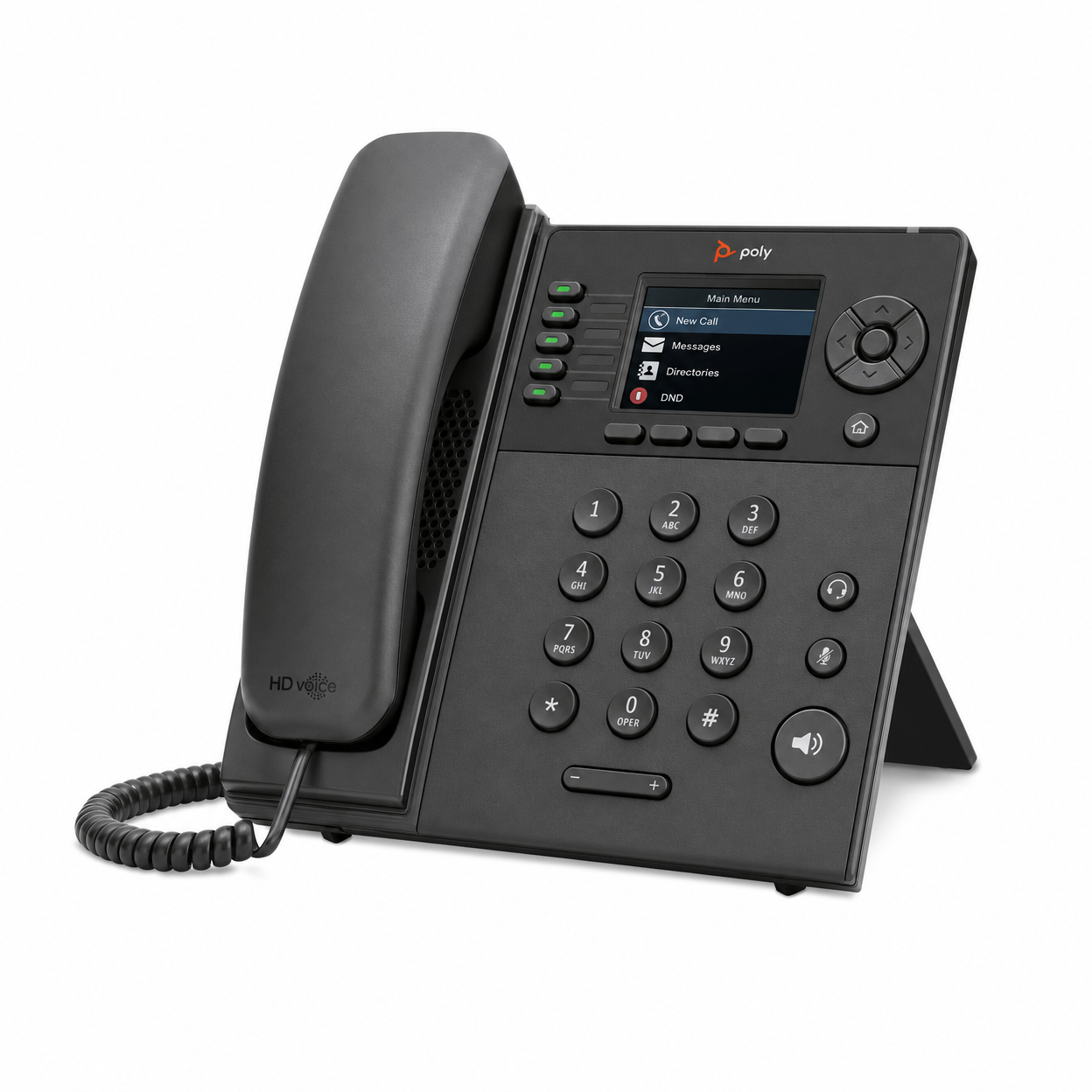
Poly VVX 250
- 4 line keys
- Dual Ethernet ports
- HD voice
- USB port
Best for
Everyday office use
Street price
~$90
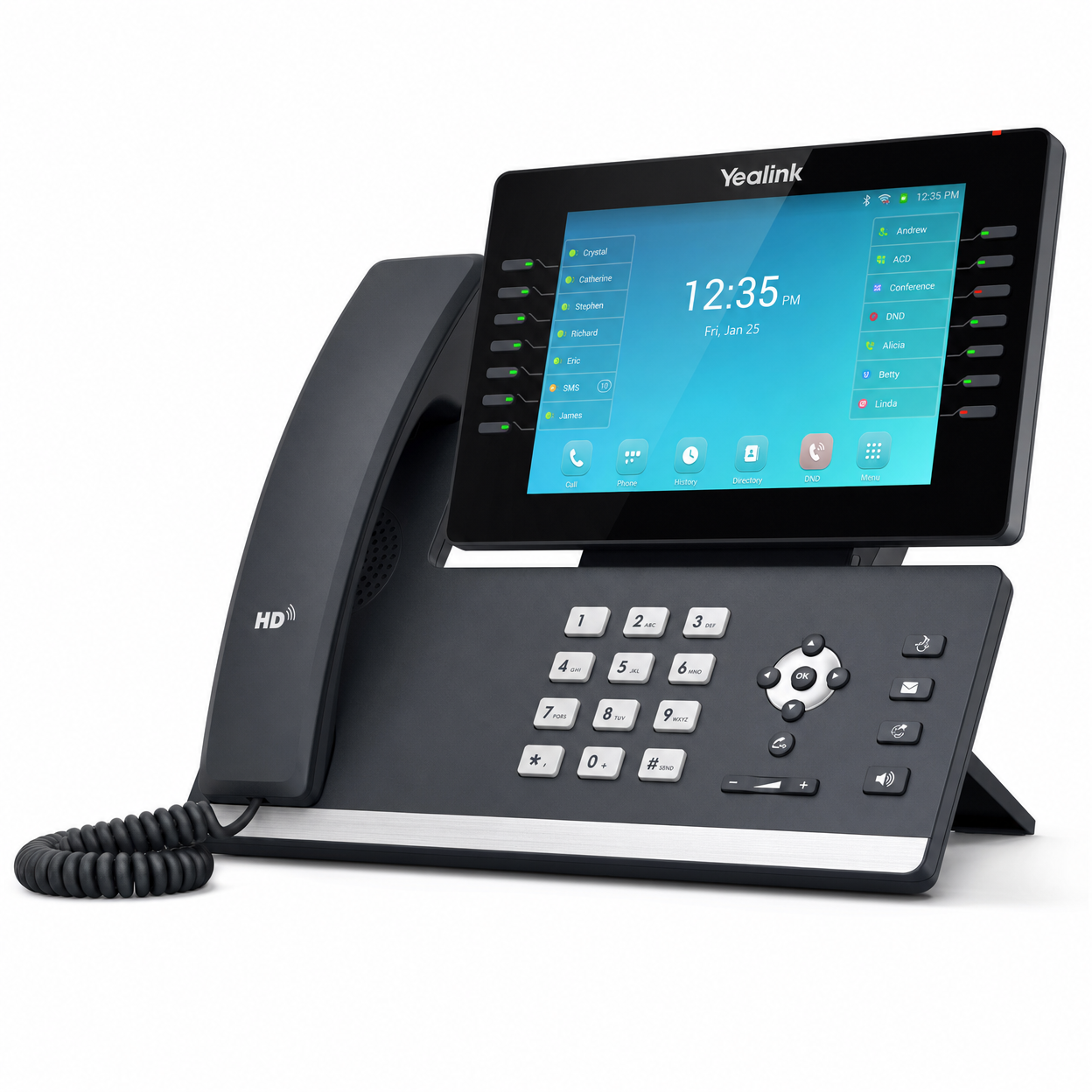 Premium
Yealink T57W
- 16 SIP accounts
- 7-inch color touch
- Wi-Fi & Bluetooth
- Adjustable screen
Best for
Executives & power users
Street price
~$200
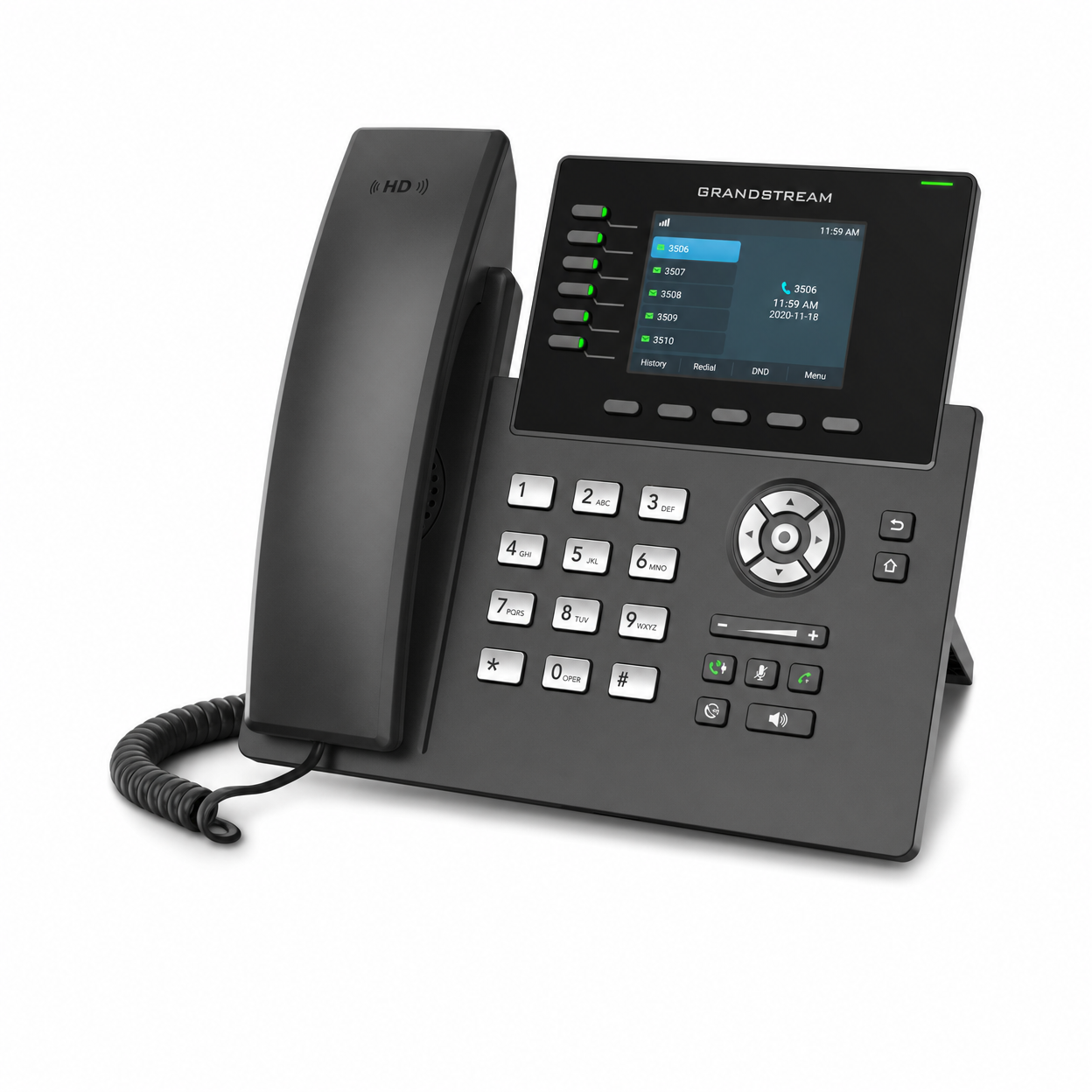
Grandstream GRP2615
- 10 line keys / 16 SIP accounts
- 40 digital MPKs
- Wi-Fi & Bluetooth
- Dual Gigabit ports
Best for
Growing teams
Street price
~$110
Our Help Center guides cover Yealink T4U, Poly VVX and Cisco 8800 Multiplatform phones. Don't see your model? — if it's SIP-based, it likely works with Zonitel.
Not sure which phone to get? We'll help you choose.
Yealink
T46U
~$100 street price
- 16 SIP lines
- HD voice
- USB headset port
- Gigabit Ethernet
Yealink
T54W
~$120 street price
- 16 SIP lines
- 4.3" color touch
- Built-in Wi-Fi
- Bluetooth headset
Grandstream
GRP2614
~$75 street price
- 4 SIP accounts
- Built-in Wi-Fi
- Color display
- PoE powered
Already have phones?
Keep them.
Switching to Zonitel doesn't mean replacing your hardware. If your existing phones support SIP (most IP phones do), our team can provision them remotely — no technician visit required.
Remote provisioning
We configure your phones over the internet — no on-site visit needed.
ATA adapters for analog phones
Have old landline phones? A $40 adapter connects them to Zonitel's cloud.
Zero reconfiguration fees
BYOD is included in every Zonitel plan at no extra charge.
How BYOD works with Zonitel
Tell us your phone model
We confirm the model and firmware are supported.
Our team provisions it remotely
We connect with you and configure the phone — no technician visit.
Your phone registers to Zonitel
Calls, voicemail, and star codes work on your extension.
Manage everything from the portal
Add users, set hours, view call logs — all online.
Your phone is already in your pocket
The Zonitel mobile app turns your iPhone or Android into a business phone. Make and receive calls on your business number, send SMS, and check voicemail and faxes — all from the app.
Business calls & SMS
Calls and texts from your business number on your own smartphone.
Browser phone included
Make and receive calls from a browser tab on Mac or Windows, with a headset or your computer's audio. Nothing to install.
Voicemail, recordings & more
Listen to voicemail and call recordings, and see messages, contacts, and faxes in the app, based on your permissions.
Frequently asked questions
Everything you need to know about phones, hardware, and getting set up with Zonitel.
What phones work with Zonitel VoIP?▾
Most SIP desk phones can register to a Zonitel extension, including models from Yealink, Poly, Cisco (Multiplatform firmware), Grandstream, Fanvil, and Snom. Our Help Center guides cover Yealink T4U, Poly VVX, and Cisco 8800 Multiplatform phones. Ask us to confirm your exact model before you buy.
Can I use my existing phone with Zonitel?▾
Yes. If you have an existing SIP-compatible desk phone, you can bring it to Zonitel at no extra charge. For analog phones, you can use an ATA adapter (like the Grandstream HT802, ~$40) to connect them to our cloud system.
Do I need to buy a phone to use Zonitel?▾
No. You can use the Zonitel mobile app on an iPhone or Android phone, or the browser phone on a computer with a headset or speakers. A desk phone is optional.
Does Zonitel sell phones?▾
No. Zonitel doesn't sell or ship phones. Bring a compatible SIP phone you already own or buy one from any retailer, or use the mobile app or browser phone. Our team can help you pick a compatible model and set it up.
How do I set up a new phone with Zonitel?▾
Our team handles provisioning remotely with you. We connect, configure the phone for your Zonitel account, and walk you through anything you need — no IT department or technician visit required. Reach out and we'll guide you through the setup.
Do I need PoE (Power over Ethernet) for my desk phone?▾
Most modern IP desk phones support PoE, which means they get power through the network cable — no separate power adapter needed. If your switch doesn't support PoE, you can use a PoE injector (~$15) or a power adapter that comes with the phone.
Which star codes work on my desk phone?▾
From your Zonitel extension: *97 for voicemail, *72 to forward your extension and *73 to turn forwarding off, *78 and *79 to turn Do Not Disturb on and off, ** plus an extension to pick up a call ringing there, and *8 plus an extension for intercom to one teammate.
Can I use a headset or USB speakerphone?▾
Yes, as an audio device. In the browser phone, choose it as your microphone and speaker; Connect Headset adds answer and hang-up button control on supported headsets. You can also plug a compatible headset into a desk phone. Headsets and USB speakerphones aren't SIP phones, so they don't register to an extension on their own.