
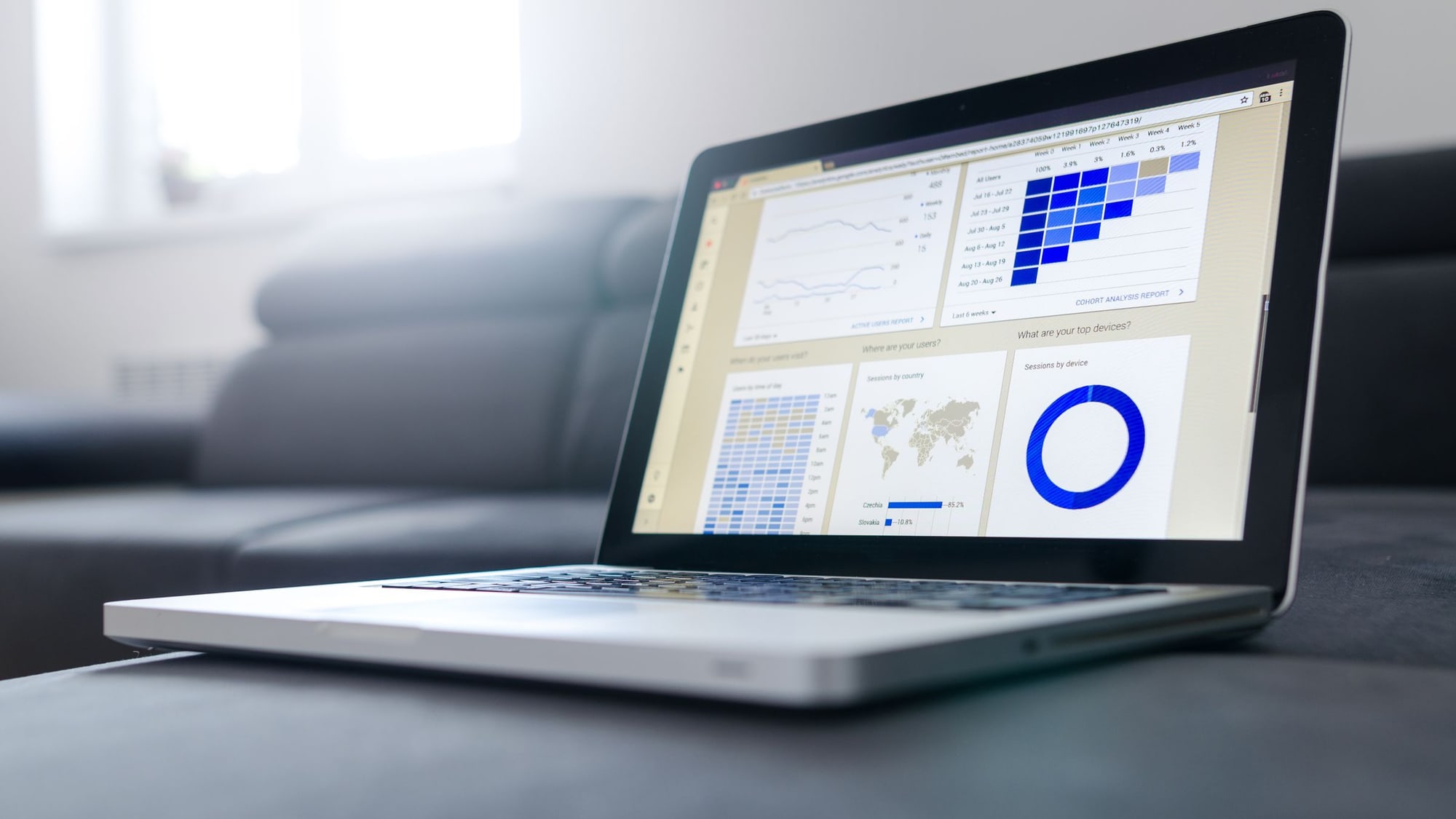
Call analytics is the set of reports your phone system builds from every call: how many came in, how many were answered or missed, at what hour, on which number, who handled them and how long each step took. For a small business it answers one question: when customers call, do they reach a person, and if not, when and why? You do not need a call center or a data analyst. You need about seven numbers and ten minutes a week.
What call analytics tells a small business
Most owners judge the phones by feel. The front desk seems busy, a customer says nobody picked up, and no one knows whether that was one bad afternoon or every Monday. A call analytics dashboard replaces the guess with a count. It does not tell you how well a conversation went. It tells you whether the call was answered, how long the caller waited and where the gaps are.
There is no universal “good” number for a small team. A two-person office and a twelve-person service desk have very different call patterns. Compare each number with your own previous four weeks and watch which way it moves.
The 7 call analytics numbers worth checking every week
| Number | The question it answers | If it looks bad |
|---|---|---|
| 1. Missed calls | How many callers did not reach a person? Read it as a count and as a share of inbound calls. A caller who hangs up while waiting is often called an abandoned call. | Change nothing yet. First find out when the misses happen (number 2). |
| 2. Missed calls by hour and day | When are we losing callers: the first hour, lunch, Monday morning, after closing? | Move breaks or cover that hour. Add a ring group or a queue so a second person gets the call. Check that business-hours routing matches your real hours. |
| 3. Wait time before answer | How long does a caller wait for a person? Check the average and the longest wait. | Shorten the ring time before a call moves on, add people at peak hours and give waiting callers a way out, such as voicemail. |
| 4. Callers still waiting for a callback | Of the people we missed, who has talked to someone since? A voicemail or an unanswered callback is not a conversation. | Give the list one owner and a fixed time every day. |
| 5. Calls per phone number | Which line, location or ad makes the phone ring, and which line misses the most? | Use a separate number for each campaign or location. Fix the routing on the line with the most misses. |
| 6. Calls handled per person | Is the load shared, or is one person taking most of the calls? | Rebalance the ring order or the queue members. Compare people in similar roles only. |
| 7. Talk time | Are calls getting longer or shorter than usual? Look at the average and the longest call. | Listen to a few long and a few very short calls before deciding. Long calls can point to a question your website does not answer; very short ones to transfers or rushed callers. |
A 10-minute weekly review
Pick a fixed time, such as Monday at opening, and use the same period every week: the last seven days.
- Minutes 1–2: note inbound and missed calls for the week. Compare both with the previous four weeks.
- Minutes 3–4: open missed calls by hour and mark the two worst hours. Are they the same as last week?
- Minutes 5–6: check the average and the longest wait. If the longest is far above the average, find that call in the call history.
- Minutes 7–8: open the list of missed callers nobody has talked to yet. Assign every name before you close the report.
- Minute 9: scan calls per number and per person for sharp changes.
- Minute 10: choose one change for the week, write it down and check its effect next Monday.
Make one change per week. If you move lunch breaks, lengthen the ring time and add a queue all at once, you will not know which one worked.
Common mistakes when reading call reports
- Watching total calls instead of missed calls by hour. A rising total feels good and can hide a lunch hour when nobody answers.
- Judging people on talk time alone. A short average can mean efficient calls or rushed customers, and a high call count does not show whether the customer was helped.
- Trusting the average wait. One caller who waited several minutes can hide behind a low average, so read the longest wait too.
- Counting a voicemail as a handled call. That caller still has not talked to anyone.
- Comparing unlike periods or adding up rows. Compare similar weeks, and remember that the same caller can appear under two extensions or two numbers.
Call analytics vs. call monitoring, call recording and AI call scoring
These tools are often sold together, but each one answers a different question.
| Tool | What it gives you | Use it to answer |
|---|---|---|
| Call analytics | Counts and times from every call: volume, missed calls, wait time and talk time, by hour, number and person. | Are callers reaching us, and when are they not? |
| Live call monitoring | A real-time view of who is on a call right now, sometimes with the option to listen in. | What is happening this minute? |
| Call recording | The audio of individual calls your business is permitted to record. | What was actually said on this call? |
| AI call scoring | A transcript plus a score, sentiment or detected objections for eligible recorded calls, based on criteria you define. | Which calls deserve a manager's attention, and what keeps repeating? |
Start with analytics. It tells you where to listen. Recordings and AI scores become useful once the numbers point to a specific hour, line or type of call. Treat an AI score as a reason to review a call, not as a verdict on an employee.
Where to find these numbers in Zonitel
Analytics is included in Zonitel's core phone platform. In the Office web portal, open Analytics → Call Summary and choose Last 7 days.
- Call Center: calls received, answered and missed, calls in the waiting list, and average and longest wait and talk times.
- Calls by Hours: separate charts for received calls and missed calls by hour.
- Phone Number Summary: inbound, outbound and missed calls for each business number.
- Extension Summary: inbound and outbound calls and durations for each extension.
- Custom Reports (marked Beta) → Calls → Agent performance: people missed, recovered within 24 hours and left waiting, plus a Nobody called them back list.
- Active Panel: live call counters and each extension's status.
AI transcription, sentiment and Call Intelligence scores are optional and billed separately by usage, through monthly plans (Basic, Standard, Pro) or prepaid credit.
See Zonitel Analytics & ReportsFrequently asked questions
What is call analytics?
Call analytics is reporting built from your phone system's call records. It counts answered and missed calls, wait time and talk time, and breaks them down by hour, phone number and person. Small businesses use it to see when callers are not reaching anyone and whether a staffing or routing change helped.
What is a good missed call rate for a small business?
No single figure fits every business, so we do not quote one. A missed call at 2 PM on a weekday matters more than one at midnight. Use your own last four weeks as the baseline, separate business hours from after hours, and aim to leave fewer missed callers without a conversation each week.
Is call analytics the same as call tracking for marketing?
They overlap. Call tracking, often used in conversion rate optimization (CRO), gives each ad, listing or web page its own phone number so you can see which source produced calls. Call analytics covers that view and also what happened next: whether the call was answered, how long the caller waited and who took it. A lead that calls and gets no answer is a conversion problem no landing page can fix.
Do I need a call center to use call analytics?
No. Missed calls, calls by hour, calls per number and calls per person apply to any business with a phone number. Wait-time figures mean the most when calls go through a queue, where callers wait for the next available person. If your calls ring a group of phones instead, focus on missed calls by hour and the callback list.
Zonitel guides and related reading
- Zonitel: How to use Call Summary reports
- Zonitel: Review Call Center metrics and hourly call traffic
- Zonitel: Review missed callers and call recovery
- Zonitel Analytics & Reports
- Ring group vs. call queue: which does your business need?
- How to handle high call volume without hiring
- Which customer messages are going unanswered?
- AI call quality assurance for small businesses
See your own seven numbers
Call analytics is included in Zonitel's core phone platform: $30, $25 or $20 per extension per month plus tax for 1–5, 6–19 or 20+ extensions, with no annual contract. Book a demo and we will walk through the reports with you.