
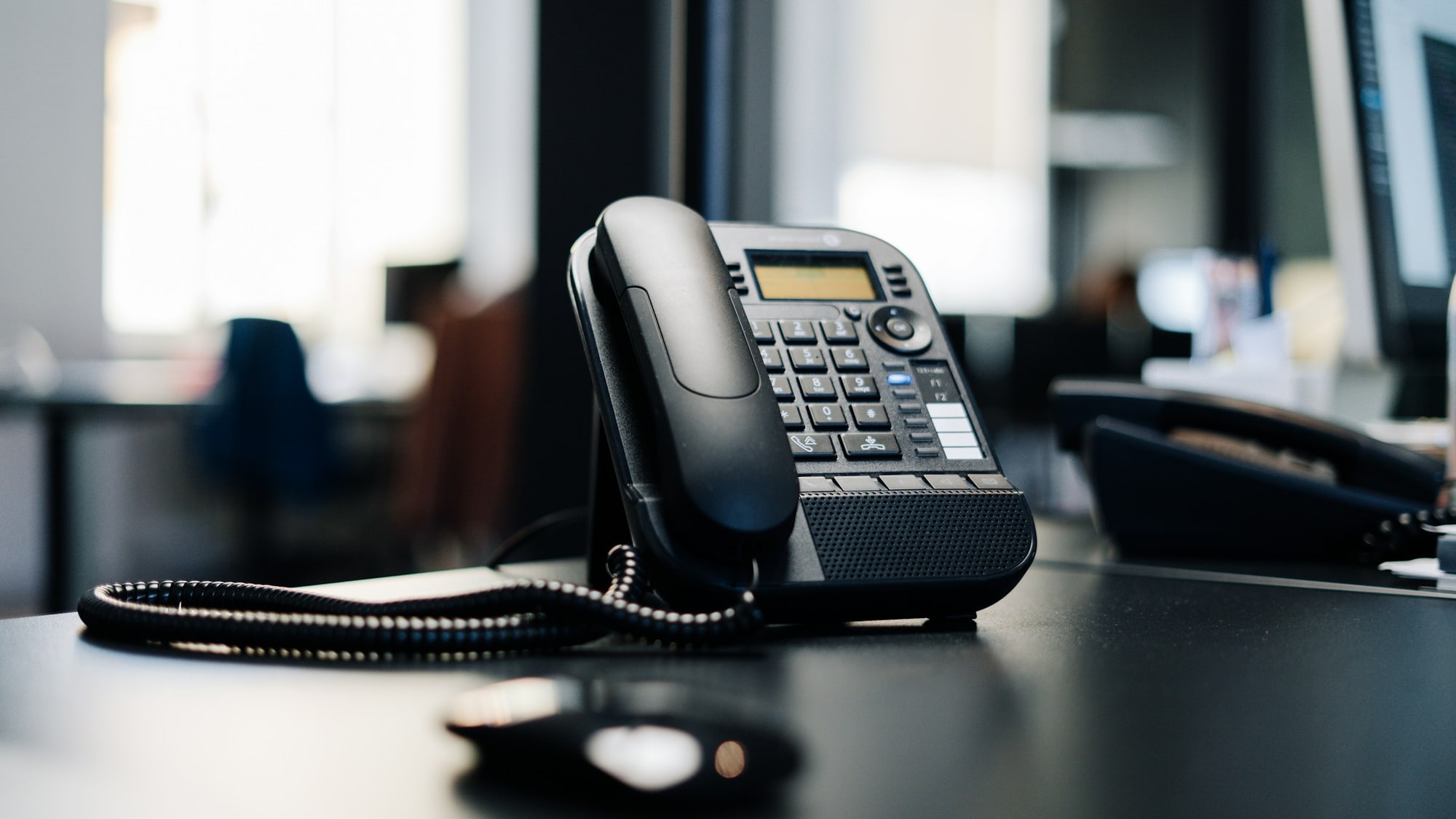
A SIP phone is a phone that makes and receives calls over an internet connection instead of a traditional phone line. It uses SIP, the Session Initiation Protocol, to connect to your phone provider and to set up each call. It can be a desk phone, an app on your computer or cell phone, or an older analog phone connected through a small adapter.
You will also see it called a SIP telephone, a VoIP phone, an IP phone or an internet phone. This guide explains the small differences, how to tell whether a phone you already own will work with a cloud phone system, and when you do not need a desk phone at all.
What is SIP?
SIP stands for Session Initiation Protocol. It is the open standard that most business VoIP services use to start, change and end calls. The standard is published as RFC 3261, which describes SIP as a signaling protocol for creating, modifying and terminating sessions, including internet telephone calls. In plain words, SIP does the dialing, ringing, answering, transferring and hanging up. The sound of the call travels alongside it as audio data.
A SIP phone also uses SIP to register: when it powers on, it signs in to your provider, and the provider knows where to ring that extension. Because SIP is an open standard, phones from many manufacturers can work with many providers.
SIP phone vs. VoIP phone vs. IP phone
VoIP means Voice over Internet Protocol. The VoIP phone meaning is simple: any phone or app that calls over the internet. A voice over IP telephone and an internet phone are the same idea in other words.
IP phone is short for Internet Protocol phone. It usually means a physical desk phone that plugs into your data network and not into a phone jack. A SIP phone is a VoIP phone that speaks SIP, and a business IP phone is almost always one.
| Term | What it means | What to remember |
|---|---|---|
| VoIP phone | Any phone or app that makes calls over the internet. | The broad, everyday name. |
| IP phone (Internet Protocol phone) | Usually a physical desk phone on your data network. | It describes the hardware. |
| SIP phone | A phone or app that uses the SIP standard to connect to a provider. | The term that tells you about compatibility. |
| Softphone | An app that works as a phone on a computer or cell phone. | No desk hardware to buy. |
The nuance: not every internet phone is an open SIP phone. Some desk phones run a manufacturer's own protocol, some are locked to the provider that sold them, and some apps and browser phones use other technology, such as WebRTC. So when a provider says it supports SIP phones, check your exact model and not just the brand.
The three forms of a SIP phone
- Desk phone. A physical phone with a handset, keypad and screen that plugs into your network. Cordless and conference-room phones belong here too.
- Softphone. An app on a computer, tablet or cell phone that uses a headset or the device's own microphone and speaker.
- Analog phone with an ATA. An analog telephone adapter (ATA) is a small box with a phone jack on one side and a network port on the other. It lets an ordinary phone place calls through a VoIP service, with basic calling but not the line keys and screen of an IP desk phone.
What a SIP phone needs to work
- A network connection. Most desk phones connect with an Ethernet cable to your router or network switch. Some models also have Wi-Fi.
- Power. A power adapter, or Power over Ethernet (PoE), which sends power through the network cable from a PoE switch or injector.
- An account from a provider. A username, a password and the address of the provider's server, often called SIP credentials. On a hosted system the provider normally loads them for you. That step is called provisioning.
- A steady internet connection. A voice call uses little data, but crowded Wi-Fi or a saturated upload makes the audio choppy.
It does not need a phone jack or a line from the telephone company. With a cloud phone system, the system itself runs at the provider.
Can you reuse a phone from another provider?
Often, yes. But phones from a previous provider may be locked. Their firmware or settings tie them to that provider, so they ignore new settings or contact the old provider every time they restart. Ask the old provider four questions:
- Do we own the phones, or were they leased or rented?
- Will you release them from your provisioning system so another provider can configure them?
- What is the admin password, and can each phone be factory reset?
- What is the exact model and firmware version of each phone?
Then give the model numbers to the new provider and ask for a compatibility check before you switch. Age matters too. A phone that no longer gets firmware updates may lack the security features a provider requires.
How to check compatibility
- Open-standard SIP. The phone should support standard SIP, not only a proprietary protocol. The manufacturer's data sheet says which.
- Provisioning. Ask whether the provider can configure your model remotely, or whether someone has to type the settings into each phone by hand.
- Codecs. A codec is the method that turns your voice into data. G.711 is the long-standing standard of the regular phone network. G.722 and Opus carry a wider range of sound, often called HD voice. Both ends of a call must share a codec, so ask which ones the provider uses.
- Security. If the provider encrypts calls, the phone has to support that too. Ask before you buy an older model.
With Zonitel, you bring a compatible SIP phone or use the apps. Zonitel does not sell phones or other hardware. Our compatible phones page says most SIP desk phones can register to a Zonitel extension, including models from Yealink, Poly, Cisco (with Multiplatform firmware), Grandstream, Fanvil and Snom. Confirm your exact model and firmware with our team before you buy. We then configure the phone remotely, one time, and you plug it in and use it. Bringing your own compatible phone does not add a charge.
Desk phone or app: who actually needs a desk phone?
A desk phone earns its place where the phone belongs to a spot and not to a person.
| Where | Good fit | Why |
|---|---|---|
| Front desk or reception | Desk phone | Someone answers and transfers calls all day and needs keys within reach. |
| Warehouse, shop floor, break room or lobby | Desk phone or cordless handset | The phone is shared, and nobody has a computer open. |
| Office staff at a computer | Softphone with a headset | Calls sit next to the rest of their work. |
| Field, remote and traveling staff | Mobile app | The business number goes where they go. |
With Zonitel, a desk phone is optional. You can use the mobile app on an iPhone or Android phone, the browser phone on a computer, or the desktop app for Windows and Mac.
What a SIP phone costs
There are two separate costs. You pay for the phone once, to the retailer you buy it from. You pay for the service every month, to your provider. A softphone removes the first cost because it runs on a device you already own.
Zonitel does not sell phones, so hardware is never part of your Zonitel invoice. Service is $30 per user per month for 1–5 users, $25 for 6–19 and $20 for 20 or more, plus tax, month-to-month. The mobile app and browser phone come with the service, so a new user can start without buying anything.
Emergency calls (E911) from a SIP phone
A landline is tied to one address. A SIP phone can move to another desk, office or home and still work. So a 911 call relies on the address your provider has registered for the number. If it is wrong, responders can be sent to the wrong place.
- Confirm the registered 911 address for each number, including the suite or floor, and update it before you move a phone.
- If you call 911 from an app away from the office, say where you are first.
- A SIP phone needs power and internet to call out. Keep a charged cell phone as a backup.
- Do not place test calls to 911 on your own. Ask your provider how to verify the address.
With Zonitel, each business number has a registered emergency 911 address. You can check it in Office under Settings → Phone Numbers → Settings → Emergency 911. To add or correct an address, contact Zonitel Support.
Checklist before you buy or reuse a SIP phone
- 1. Decide who needs a desk phone and who can use an app.
- 2. Write down the exact model and firmware of every phone you own.
- 3. Ask your current provider whether the phones are yours and whether it will release them.
- 4. Ask the new provider for a compatibility check before you commit.
- 5. Set up and test one phone before you buy the rest.
- 6. Confirm the 911 address for each location.
- 7. Keep your old service active until your numbers have moved. Porting to Zonitel is free and commonly takes 5–10 business days.
Frequently asked questions
Is a SIP phone the same as a VoIP phone?
In practice, nearly always. VoIP phone is the broad name for any phone that calls over the internet. A SIP phone is a VoIP phone that uses the SIP standard. The difference matters only when a phone is proprietary or locked to one provider.
Do I need a SIP phone to use VoIP?
No. You need a device that can reach your provider: a desk phone, a softphone app or an analog phone with an adapter. With Zonitel you can use the mobile app or the browser phone and skip the desk phone.
Can I use my old office phone with VoIP?
It depends on the type. An IP phone that supports standard SIP and is not locked can often be reconfigured. An analog phone can connect through an ATA. A digital phone made for an older on-site phone system usually works only with that system. Give your provider the model number before you decide.
Does a SIP phone work over Wi-Fi?
Some do. Certain desk phones have Wi-Fi built in, and softphones work on Wi-Fi or mobile data. A wired connection is steadier for a phone that stays in one place.
What is a softphone?
A softphone is an app that works as a phone on a computer, tablet or cell phone. It uses the device's internet connection and a headset or the built-in microphone and speaker, and it needs no desk hardware.
Sources (checked November 2026)
Zonitel setup and related reading
- Zonitel: Make and receive calls in your browser
- Zonitel: Set up the Zonitel mobile app
- Zonitel: Check your emergency 911 address
- Zonitel: Troubleshoot desk-phone audio
- Compatible SIP phones and hardware
- Zonitel Business Phone
- Download the Zonitel apps
- Zonitel pricing
- Glossary: VoIP phone
- Glossary: SIP (Session Initiation Protocol)
- What is a softphone?
Not sure your phones will work?
Send us the model numbers. We check compatibility, tell you what can be reused and configure compatible phones remotely through guided onboarding. Support is available Monday–Friday 7 AM–7 PM and Saturday 8 AM–4 PM Central.