
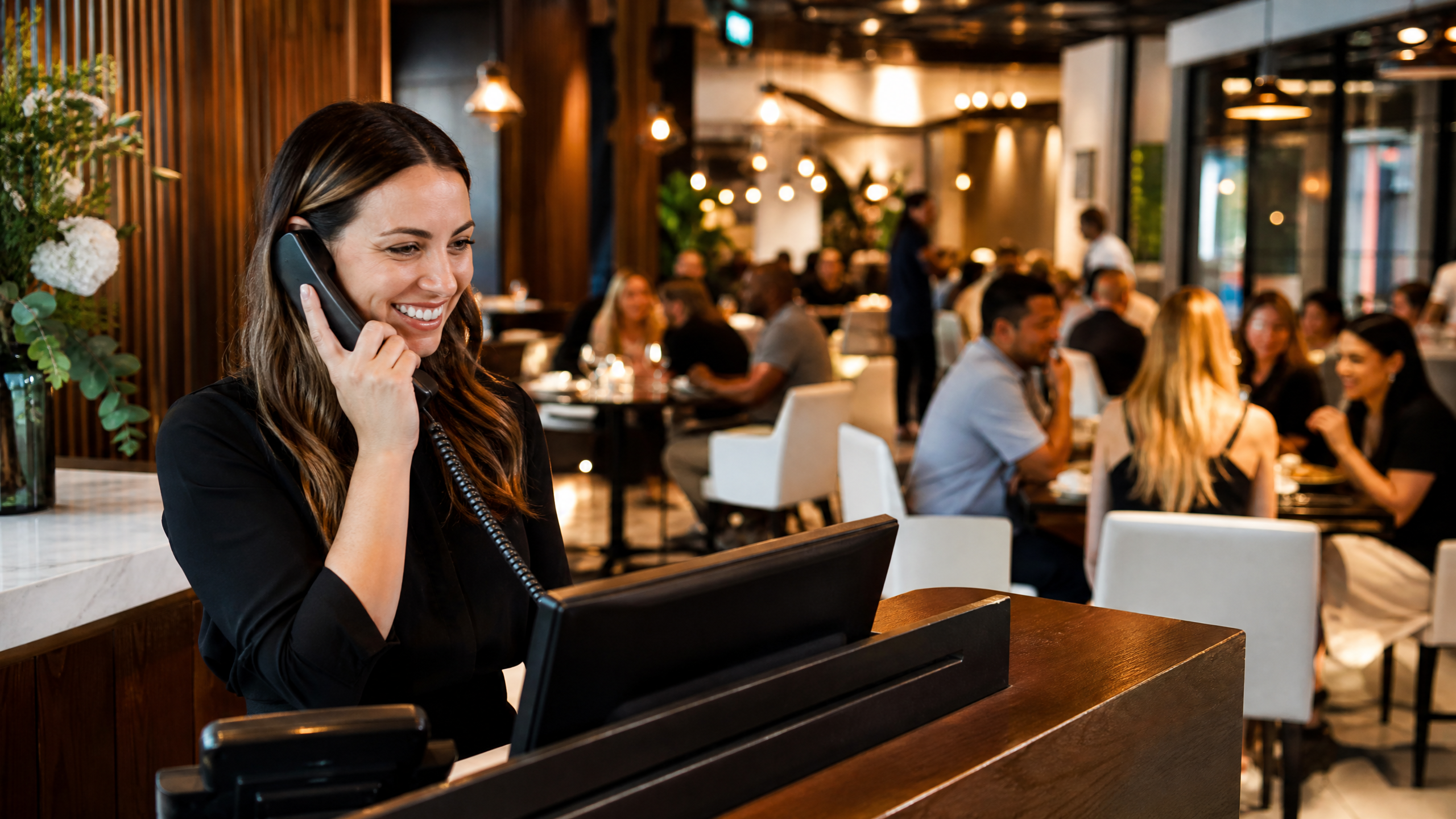
The best phone system for a restaurant is one your team can use during a rush. Start with the calls you actually receive: opening hours, directions, pickup questions, reservations and supplier inquiries. Then decide who should answer each type and what happens when nobody is available.
Five features worth testing before you choose
| Need | What to test |
|---|---|
| Route the right call | A short IVR menu and Ring Group that reach the intended staff. |
| Handle a busy shift | A queue, unanswered-call destination and callback-request workflow. |
| Share menus or directions | An IVR option that texts the correct link to a mobile caller. |
| Keep follow-up together | A shared messaging inbox and clear ownership of callbacks. |
| Handle closing time | A closed-hours greeting, route and useful next step. |
A Ring Group rings the destinations you configure; a Call Center queue manages callers waiting for an available agent. Neither creates extra staff. Test the unanswered route too, including what a customer hears when the restaurant is closed.
An example using Zonitel
- Press 1 for pickup questions: route to the counter's configured phones or queue.
- Press 2 for a menu or directions: send the configured SMS link to an eligible mobile number.
- For reservation inquiries: reach the host, or share a booking link when the restaurant uses a compatible booking workflow.
- If a caller requests a callback in a configured queue, review it in Office → Calls → Waiting List and record the follow-up.
This is an illustrative configuration. Texting an ordering or reservation link does not submit an order or confirm a table. Waiting List records callback requests; it does not by itself promise an automatic callback or a preserved queue position.
Questions to ask in your demo
Bring your busiest-shift scenario. Ask to test simultaneous calls, transfers, the closed-hours route and a callback request. Check Wi-Fi and compatible phones where staff actually work. If you keep an existing number, confirm porting requirements before cancelling the old service.
Request an itemized quote covering extensions, numbers, equipment, SMS registration and automated-message usage. Optional services and usage charges should be separate. A missed-call SMS is another follow-up option, not proof that an order was placed or that the customer received the message.
See the actual workflows
Plan your restaurant's call flow
Show us how calls should move during a busy shift. We can walk through routing, SMS links and follow-up with your team.