
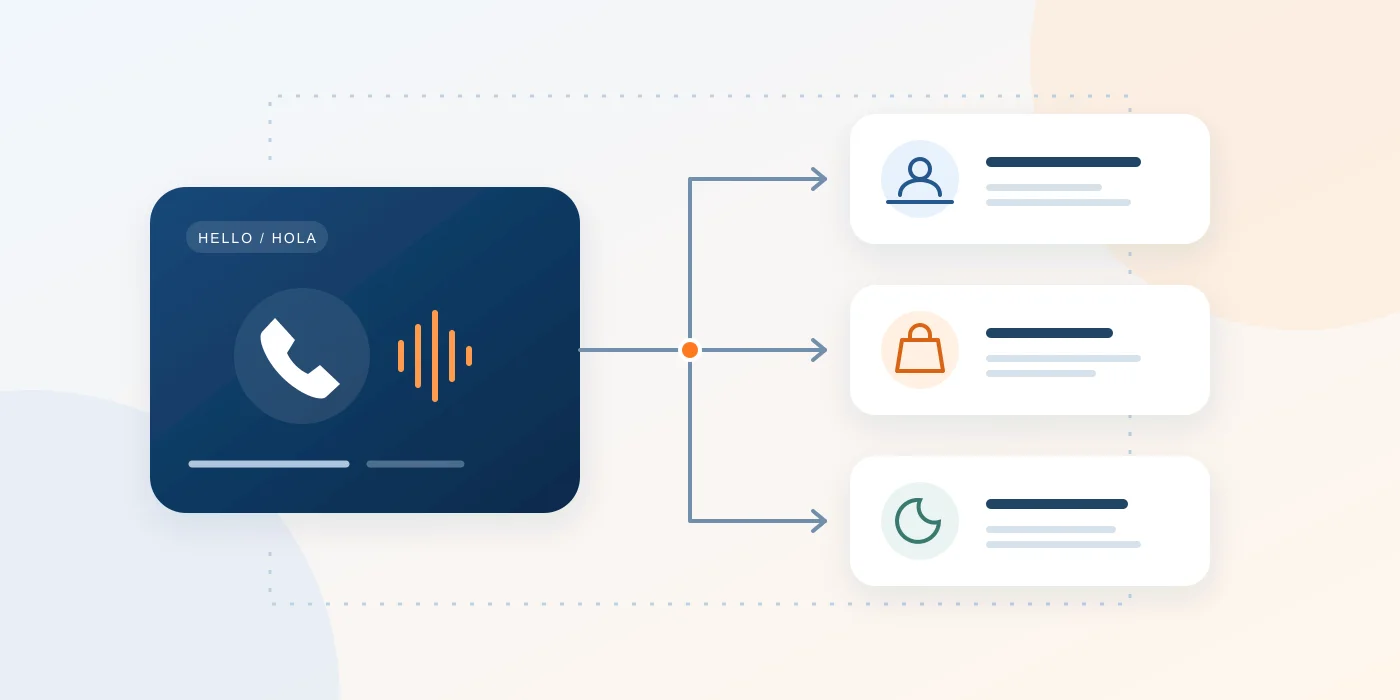
A good restaurant phone greeting names the restaurant, gives the caller a useful next step and matches what your staff can actually do. Start with: ‘Thank you for calling [Restaurant]. How can I help you?’ Use the restaurant phone greeting scripts below for the situations that need more detail, from the dinner rush to a holiday closure.
Before you record: replace every placeholder
Replace bracketed text with your restaurant name, current hours, verified website and real reopening date. Decide who handles reservations, pickup questions and messages. If your kitchen stops taking orders before the dining room closes, give the correct cutoff. Read the greeting aloud in a quiet room and remove anything the caller does not need.
Seven restaurant phone scripts to adapt
1. A friendly live answer
Thank you for calling [Restaurant]. This is [Staff name]. How can I help you today?
Use this when a person answers. A staff member can clarify the request before transferring; an automated greeting should announce the available choices instead.
2. A busy-shift greeting
Thank you for calling [Restaurant]. Our team is helping other guests. Please stay on the line for assistance. For our menu and online ordering, visit [Website].
Use this only when callers really stay connected to a staffed destination or queue. Include online ordering only if it is available. Avoid a fixed wait-time promise unless staff can support it.
3. Asking permission to place a caller on hold
May I place you on a brief hold while I check with our team? [Wait for an answer.] Thank you. If you prefer, I can take your name and number for a callback.
Offer a callback only when someone owns the follow-up. Taking a number does not schedule an automatic return call.
4. A reservation inquiry
I can check availability. What date and time would you like, and for how many guests? [Check availability.] Let me confirm the details with you before we finish.
If the host is unavailable, record the request and explain how confirmation will arrive. A voicemail or booking-link request is not a confirmed table.
5. A pickup or takeout question
Are you calling about an existing pickup order or placing a new one? For an existing order, may I have the name on the order? [Check with the counter before giving an update.]
Verify preparation times with the kitchen. A phone menu can route the call to the counter; order status still needs a reliable source.
6. An after-hours voicemail greeting
You have reached [Restaurant]. We are currently closed. Our hours are [Days and hours]. Please leave your name, callback number and a short message after the tone. For our menu, visit [Website].
Use this on a working voicemail destination. Say when messages are reviewed only if that schedule is reliable; omit the voicemail instruction if nobody monitors the mailbox.
7. A holiday or temporary-closure greeting
Thank you for calling [Restaurant]. We are closed for [Holiday or reason] and will reopen on [Day, date] at [Time]. For current information, visit [Website]. We look forward to welcoming you back.
Confirm the reopening date before recording. Assign someone to restore the regular greeting and route when the restaurant reopens.
A short English–Spanish restaurant phone menu
Thank you for calling [Restaurant]. For English, press 1. Gracias por llamar a [Restaurante]. Para español, presione 2.
Route each key to the corresponding language menu. For English: ‘For reservation inquiries, press 1. For pickup questions, press 2. To speak with our team, press 0.’ For Spanish: ‘Para consultas sobre reservas, presione 1. Para pedidos para recoger, presione 2. Para hablar con nuestro equipo, presione 0.’ Announce only configured options and languages your team can support.
Connect the greeting and test the whole call
In Zonitel, open Settings → Phone Numbers → Call Flow. Use Recordings (Audios) to upload audio or create it from text. Select the greeting in the intended IVR or Ring Group; voicemail uses its own greeting controls. Keep Business Hours as the entry point when it controls your open and closed routes. Saving audio alone does not activate a menu.
- Call from an outside phone and listen for clear names, hours and volume.
- Test both language branches, every announced key, no input and an invalid key.
- Check busy, unanswered and closed routes, including whether voicemail accepts a message.
- Verify the account time zone and restore the normal route after temporary closures.
Setup guides and related reading
Put your restaurant greeting to work
Bring your scripts and busiest-shift scenario. Explore how Zonitel can connect the greeting, staff destinations and after-hours route.